

Nissan Leaf 40 kWh (2022–2024) charging guide
40 kWh · 2022–2024 · 39 kWh usable battery
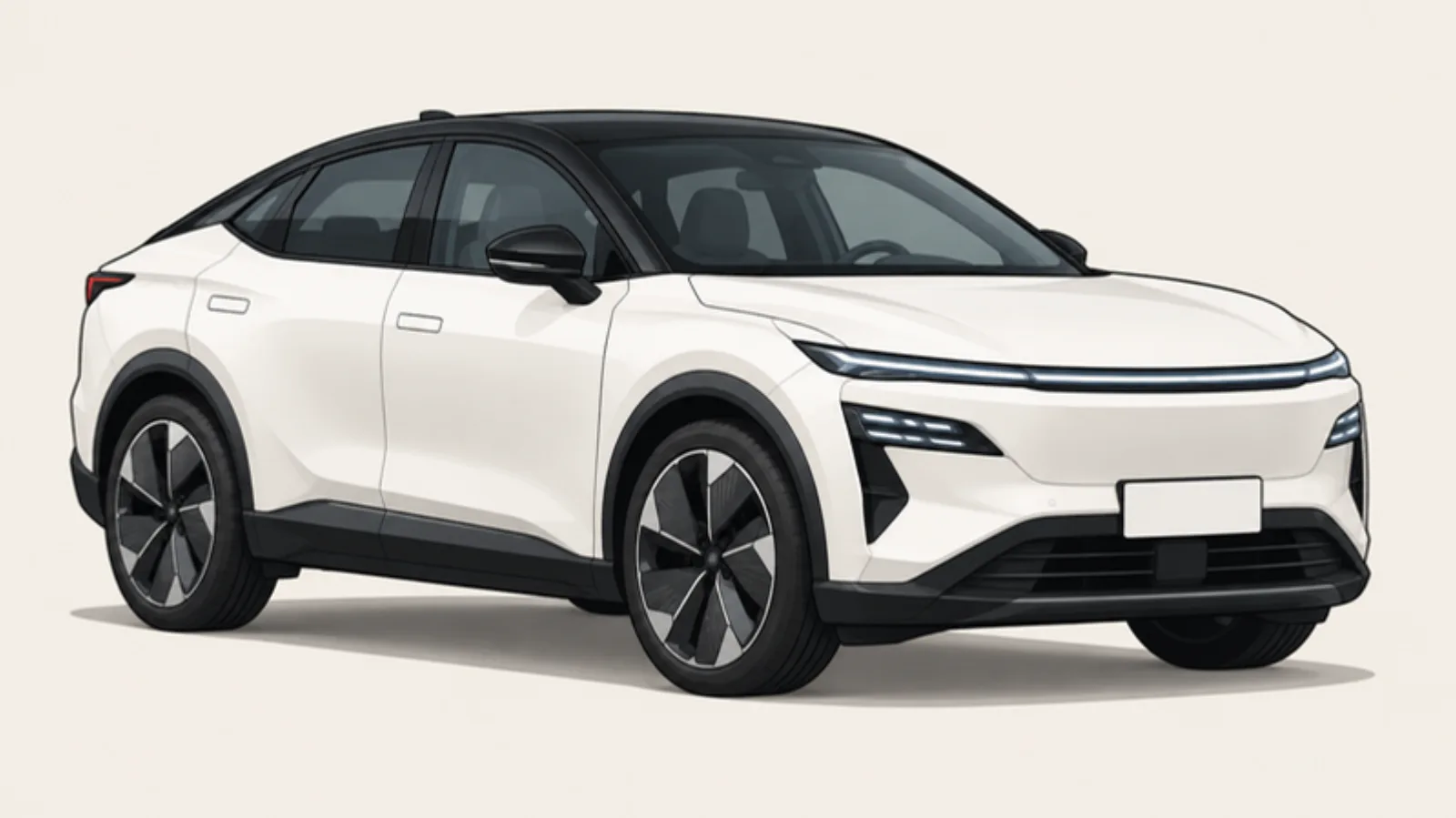
At a glance
- Battery
- 39kWh usable
- Home charging
- 3.6kW max
- Rapid charging
- 46kW max
- Range
- 146miles typical
On a long trip: about 232 miles with one 10–80% rapid stop (about 43 min), arriving with 10% left.
What's this?
From a full battery to 10%: about 131 miles. Then a rapid charge from 10% to 80%, and about 101 more miles down to 10% again. Based on your car's typical range of 146 miles. The stop time assumes a charger that can deliver your car's full 46 kW. Cold weather and motorway speeds mean fewer miles.
Your plugs
Your charging port is on the front, centre. It has a Type 2 socket for slow and home charging, and a separate CHAdeMO socket for rapid charging. Its kWh figure is how much energy the battery holds; a charger's kW figure is how fast it charges.
Heads up
Which chargers can I use?
The charger's power is the most it can give. Your car takes whichever is lower: the charger's limit or the car's own limit. On home and AC posts, the car's limit is set by its onboard charger.
| Charger | Charger power | Your car gets | Can you use it? | What you need |
|---|---|---|---|---|
| 3-pin household socket | 2.3 kW | 2.3 kW | Yes | Your own “granny” cable (occasional or emergency use) |
| Lamp-post charger | 5 kW | 3.6 kW Limited by your car | Yes | Your own Type 2 cable |
| Home wallbox | 7 kW | 3.6 kW Limited by your car | Yes | Usually tethered (cable attached) |
| Public AC post | 7 kW | 3.6 kW Limited by your car | Yes | Usually untethered: bring your own Type 2 cable |
| Fast AC post | 22 kW | 3.6 kW Limited by your car | Yes | Untethered: bring your own Type 2 cable |
| Rapid | 50 kW | — | No | Needs CCS; your car uses CHAdeMO |
| Rapid | 100 kW | — | No | Needs CCS; your car uses CHAdeMO |
| Ultra-rapid | 150 kW | — | No | Needs CCS; your car uses CHAdeMO |
| Ultra-rapid | 350 kW | — | No | Needs CCS; your car uses CHAdeMO |
How long will it take?
Typical times for a 39 kWh battery in mild weather. Set your own start and end below.
| Charger | 20% to 80% | 10% to 100% | Your choice (20% to 80%) |
|---|---|---|---|
| 3-pin household socket 2.3 kW | 11 h 18 min | 17 h 7 min | 11 h 18 min |
| Lamp-post charger 5 kW | 7 h 13 min | 11 h | 7 h 13 min |
| Home wallbox 7 kW | 7 h 13 min | 11 h | 7 h 13 min |
| Public AC post 7 kW | 7 h 13 min | 11 h | 7 h 13 min |
| Fast AC post 22 kW | 7 h 13 min | 11 h | 7 h 13 min |
| Rapid 50 kW | — | — | — |
| Rapid 100 kW | — | — | — |
| Ultra-rapid 150 kW | — | — | — |
| Ultra-rapid 350 kW | — | — | — |
Rapid chargers slow down a lot after 80%. On a journey it's usually quicker to charge to 80% and stop again later.
How much does it cost to charge?
- 0–100% at home off-peak
- £3.03
- 0–100% at home standard
- £11.40
- 10–80% on a rapid charger
- £21.57
Typical editable rates: 7p per kWh off-peak, 26.3p standard and 79p on a rapid charger, with about 10% added for charging losses at home.
How to charge, step by step
At home (wallbox)
- Step 1: Park so the cable reaches the socket on the front, centre.
- Step 2: Open the charge flap and plug in. Most cars lock the cable once charging starts.
- Step 3: Charging starts straight away, or at the time set in the car, the wallbox app or your energy tariff (for cheap overnight rates).
- Step 4: To unplug, unlock the car first. The cable stays locked until you do.
Public AC post (lamp-posts, supermarkets, car parks)
- Step 1: Check the price on the post or in its app.
- Step 2: Most posts have no cable: plug your Type 2 cable into the post first, then into the car.
- Step 3: Start the session by tapping a contactless card, scanning the QR code or using the operator's app.
- Step 4: Check the car's dashboard or app to confirm it's charging.
- Step 5: To finish, stop the session, unlock the car, then unplug both ends.
Rapid charger (motorway services, charging hubs)
- Step 1: If your car can precondition (see below), start navigation to the charger first.
- Step 2: Take the CHAdeMO cable from the charger (hold it by the handle, it's heavy) and push it firmly into the car's CHAdeMO socket.
- Step 3: Tap contactless or use the app. The car and charger “handshake” for up to a minute before power flows.
- Step 4: The screen shows speed and cost. It will slow down after 80%.
- Step 5: Press stop on the screen or in the app, wait for the plug to unlock, then hang the cable back up.
- Step 6: If it won't start, unplug, re-seat the plug firmly and try again, or move to another bay. Report broken chargers in the app.
Battery preconditioning
Batteries charge fastest when they're warm, around 20–40°C. In cold weather a battery can accept far less power, so a rapid charge can take twice as long. Preconditioning means warming the battery on the way to the charger so it's ready to charge at full speed. It uses a little energy but can save a lot of time on a cold day.
On the Leaf
Not available on this version. Charging is slower when the battery is cold, so plan extra time in winter.
Heads up
Good to know
Good to know
- Uses CHAdeMO for rapid charging, which many new rapid chargers don't have. We're checking the home charging speed, as some versions have a faster 6.6 kW onboard charger.
- A heat pump is optional on some versions.
Paying at the charger
Most new public chargers take contactless, and you don't need an app for every network. See how each network takes payment, and which app is worth having.
Next steps
Questions people ask
Related cars
Figures are typical and vary with temperature, battery health, software version and the charger. Always follow your car's handbook.